croak#
Complete Retrieval by Optimisation and Adjoint Kernels
croak reconstructs the spectral amplitude and phase of an ultrashort laser pulse from a frequency-resolved optical gating (FROG) trace. Use the graphical interface or a Python script to prepare data, retrieve a pulse, interpret the result, and estimate uncertainty.
What croak can do#
Beyond the standard thin-medium FROG model, croak’s measurement model can include propagation through a dispersive nonlinear medium, the different arrival times of crossing beams, and chromatic focusing and collection of the generated signal. For few-femtosecond pulses these effects change the trace enough that a thin-medium fit reproduces it closely yet returns the wrong pulse. The capabilities overview lists the supported models, interactions and solvers.
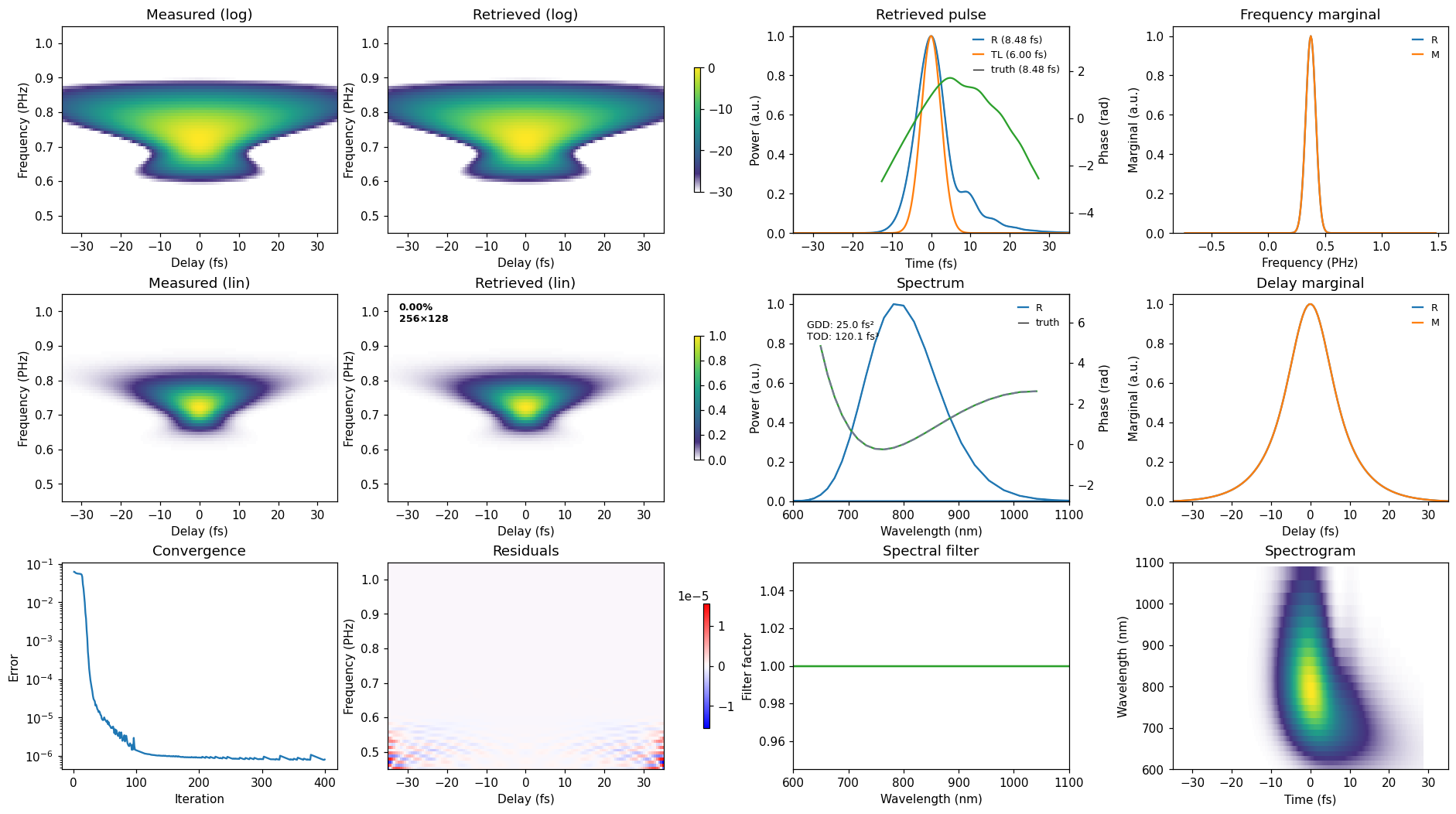
Install croak, choose an interface, and follow three guided retrieval tutorials.
Work through a measurement, from data preparation to interpretation. Find the physics, equations, and numerical methods alongside each topic.
Explore runnable examples of data cleaning, retrieval, instrument effects, dispersion tuning, and uncertainty.
Set up a development environment, understand the package, and contribute code or documentation.
Look up Python functions, classes, parameters, return values, and conventions.
New to pulse retrieval? Begin with the introduction. If you already have a trace, follow preparing and checking data. To understand a result, see interpreting results and uncertainty. Terms are defined in the glossary; the papers and methods behind croak are in the references.